
Getting Started
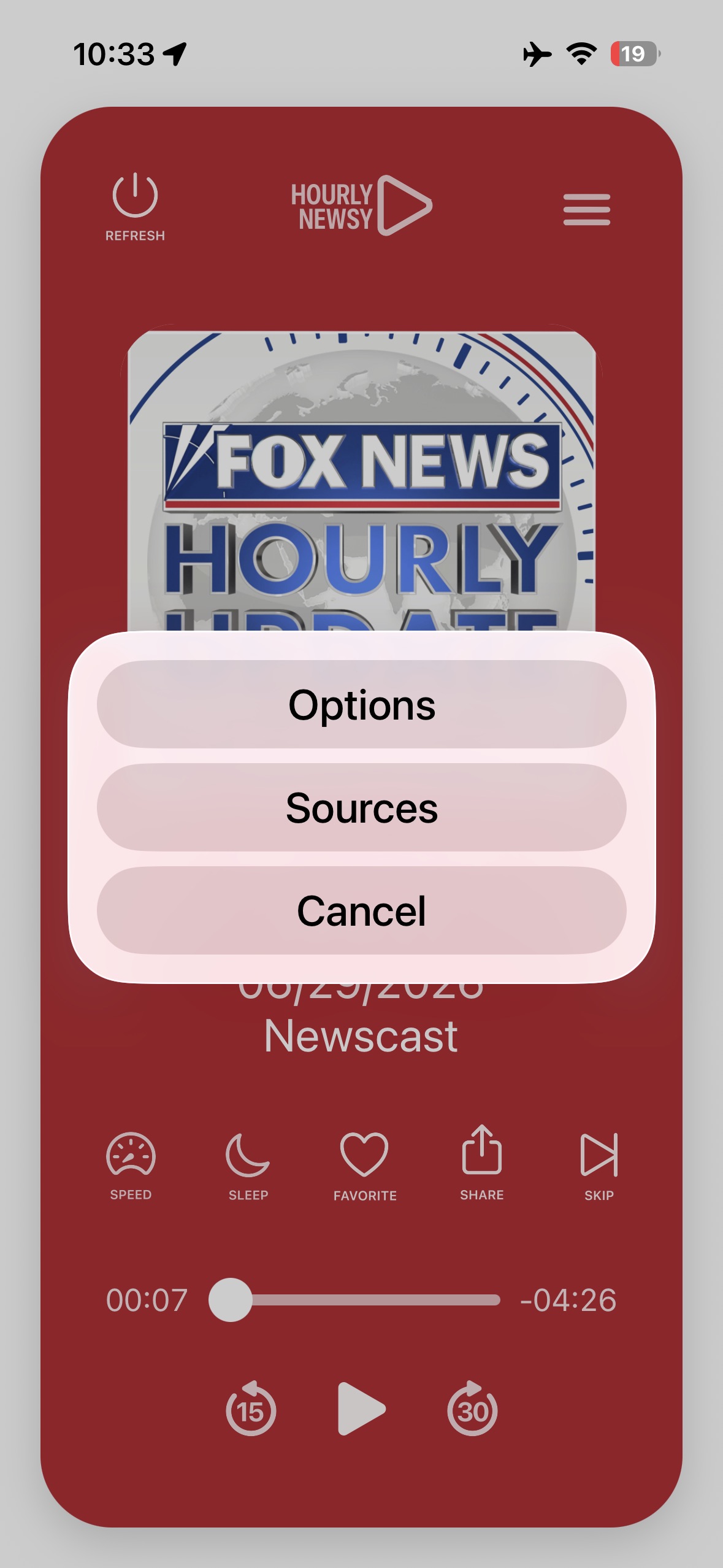
Open Hourly Newsy, choose a preset or source set, then use the player cards to move through the latest available episodes.
- Use presets when you want a quick starting lineup.
- Use the sources panel when you want to choose feeds one by one.
- Refresh if a feed has not updated recently.

Sources
Hourly Newsy uses public podcast feeds. Publisher availability, artwork, episode timing, and audio files are controlled by the source publisher.
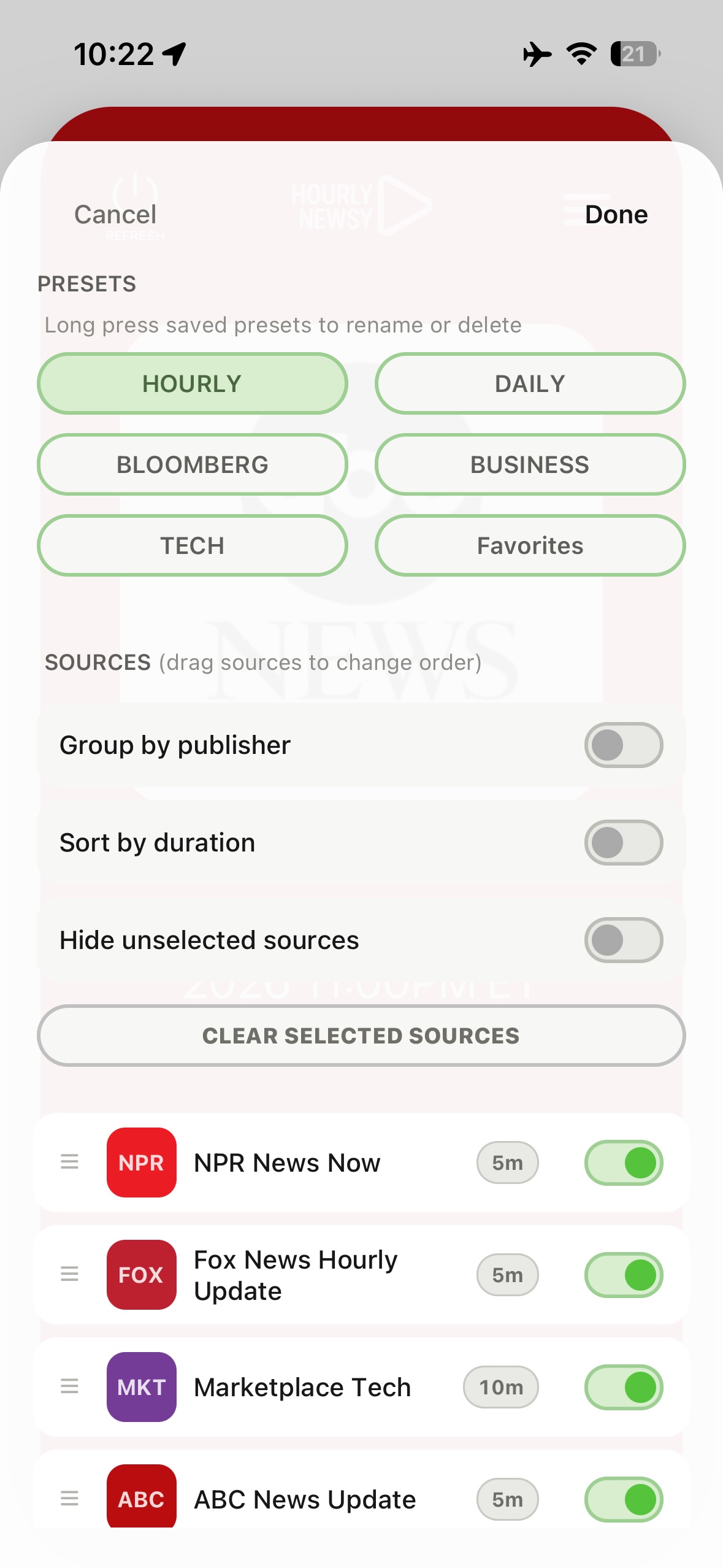
- Select sources from the sources panel.
- Keep favorites enabled for the feeds you listen to most.
- If a source disappears or stops loading, the publisher feed may be unavailable.
Playback
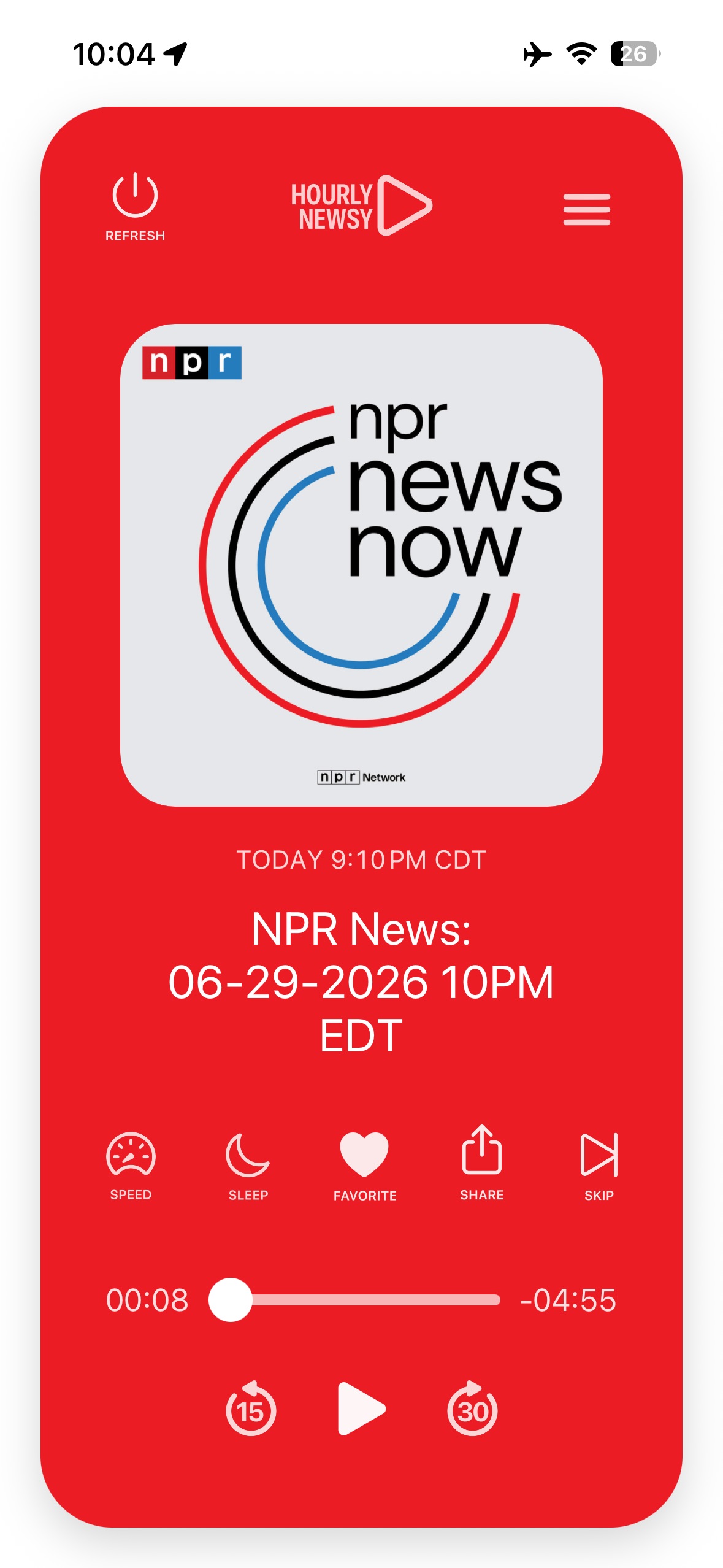
Playback works like a podcast player with controls tuned for frequent updates. You can move between cards, control speed, use the sleep timer, and skip episodes already played.
- Background audio and lock screen controls depend on iOS media behavior.
- If an episode fails, try another source to confirm whether the issue is a single feed.
- Network changes can interrupt streaming audio from third-party hosts.
Presets
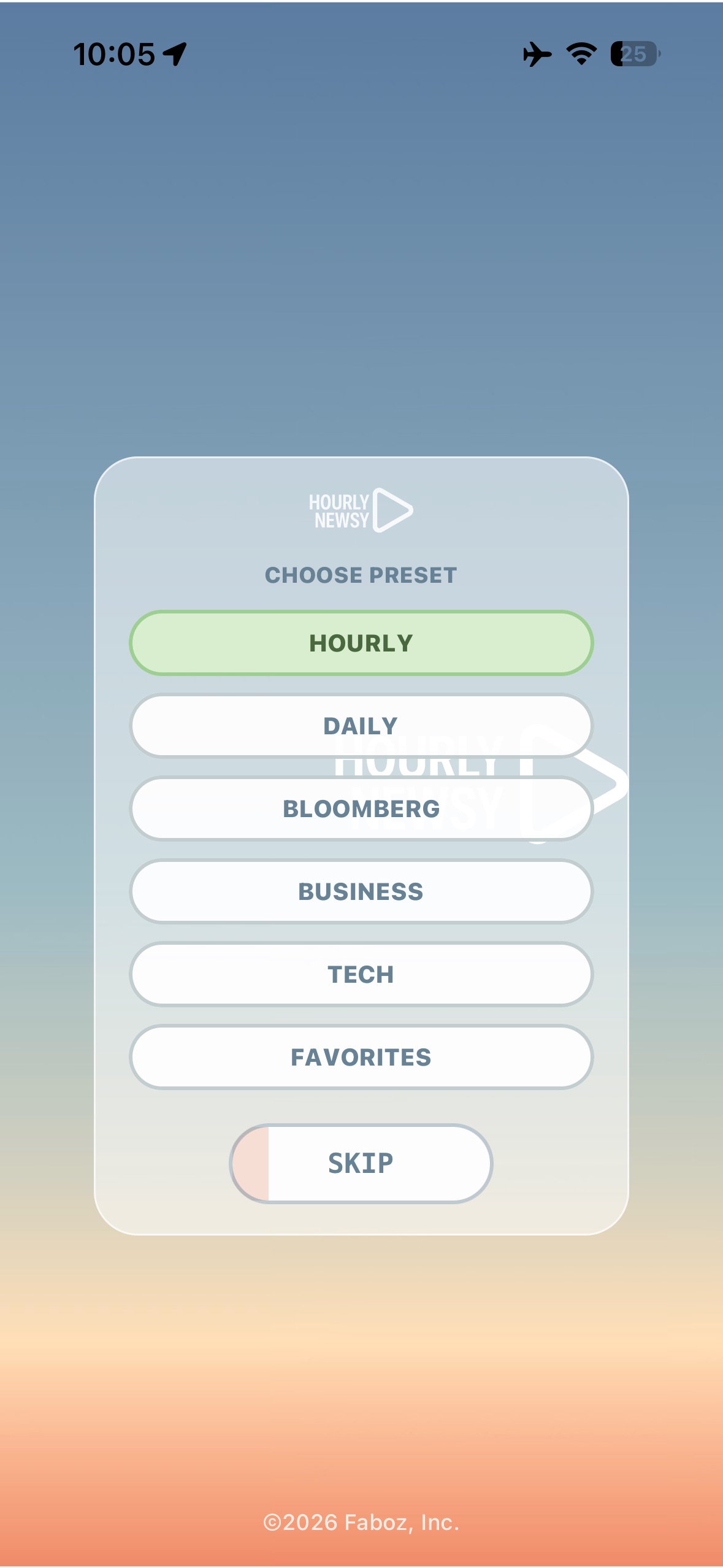
Presets help you switch between listening modes, such as general news, business, tech, or your own daily mix.
- Choose a preset to load a source lineup quickly.
- Manage presets when you want to adjust what appears in each lineup.
- Preset changes do not change the original publisher feeds.
Troubleshooting
Most issues come from network access, a temporarily unavailable podcast host, or an old installed build using older source settings.
- Force close and reopen the app if the source list appears stale.
- Confirm your device has network access.
- Try a different source if one feed fails to play.
- Install the newest build when available.
Privacy and Third-Party Content
Hourly Newsy is a podcast feed player. It is not affiliated with or endorsed by the publishers included in public feeds.
- Hourly Newsy does not collect personal data. See the privacy policy.
- Publisher names and artwork identify the podcast sources they come from.
- Audio streams are loaded from third-party podcast hosts.
- Source availability can change without notice.
Contact
For support, app issues, or App Store review questions, email the developer with your device model, iOS version, and a short description of what happened.
Email support